Key Takeaways
- Buyer criteria for cloud data migration tools fall into workload fit, automation depth, governance posture, and operational risk during cutover.
- Native cloud DMS offerings lead for in-cloud database moves; third-party tools lead for SaaS, collaboration content, and multi-cloud pipelines.
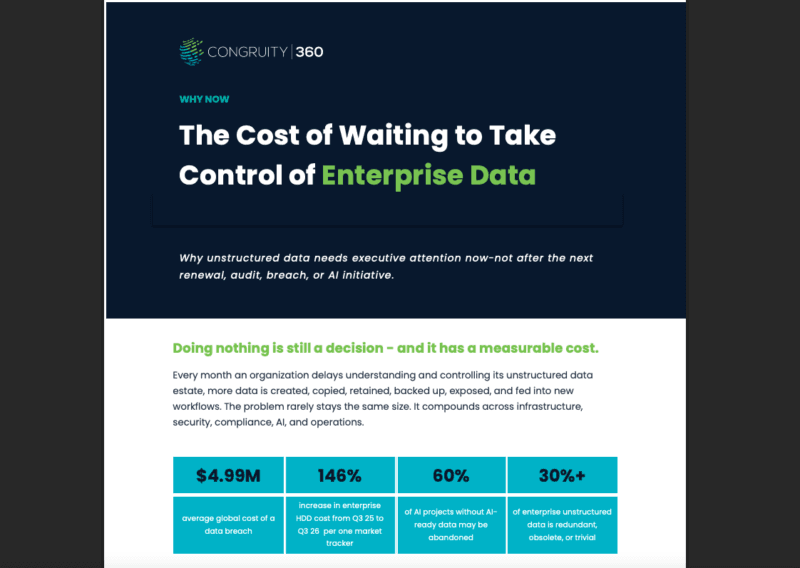
- Migrating ROT and unclassified sensitive data is how compliance debt becomes permanent in the new environment.
- Most enterprise migrations consolidate around the dominant-workload leader and add specialty tools for the long tail.
- Congruity360 makes the migration footprint smaller, cleaner, and defensible before any tool runs.
Cloud data migration is rarely the bottleneck most teams expect. The tools are mature, the patterns are documented, and the tradeoffs are well known. The bottleneck is the unstructured data estate that nobody has classified, the sensitive content that nobody has tagged, and the ROT that nobody has retired. Migration without governance is a relocation of risk. This guide is for enterprise IT, data, and migration leaders evaluating cloud data migration tools. It explains what to look for, walks through seven options, and shows where governance has to land before any of them touch production data. [Editor: verify all vendor capability claims, pricing models, and integration coverage against current vendor documentation before publication.]
What should buyers look for in cloud data migration tools?
Buyer criteria for cloud data migration tools fall into four categories: workload fit, automation depth, governance posture, and operational risk during the move.
Workload fit. Does the tool support the migration type you need (database, file or storage, SaaS, ongoing pipeline)? Tools optimized for OLTP databases rarely handle unstructured file shares well, and the reverse is also true.
Automation depth. How much of the migration is human-driven? Schema discovery, dependency mapping, and cutover orchestration are where time and risk concentrate. Mature tools automate the first two reliably and assist the third.
Governance posture. Does the tool surface sensitive data, classification, and retention obligations before the move, or does it copy everything by default? Lift-and-shift migrations that ignore governance are how compliance debt becomes permanent.
Operational risk. Downtime tolerance, rollback paths, and validation checkpoints. Most enterprise migrations cannot tolerate extended downtime, so the tool’s change-data-capture and replay capabilities matter as much as raw throughput. For the broader pattern, see cloud data migration frameworks and cloud migration strategies for the framing Congruity360 recommends before tool selection.
7 cloud data migration tools to evaluate
AWS DMS
AWS Database Migration Service handles homogeneous and heterogeneous database migrations into AWS targets, with continuous replication via change-data-capture for low-downtime cutovers. Native fit is strong for organizations already standardized on AWS for compute and identity. Common limitations include lighter capability for non-database workloads, dependency on Schema Conversion Tool for heterogeneous moves, and pricing that scales with replication-instance hours rather than data volume. Best fit for OLTP and analytics database migrations into AWS, less so for unstructured file or SaaS content.
Azure Migrate
Azure Migrate is Microsoft’s umbrella offering for assessment and migration of servers, databases, and applications into Azure. It pairs assessment tooling (dependency mapping, sizing) with execution components for VMware, Hyper-V, and physical workloads. Strong fit for enterprises already invested in Microsoft licensing and Azure landing zones. Limitations show up at the edges: SaaS-to-Azure data moves and unstructured content migrations typically require complementary tools, and assessment outputs are most accurate when the source environment is well-instrumented.
Google Database Migration Service
Google DMS focuses on database migrations into Cloud SQL and AlloyDB, with managed replication and minimal-downtime cutovers for MySQL, PostgreSQL, and SQL Server. Strong fit for greenfield analytics workloads on GCP and for teams already using BigQuery. Limitations parallel the AWS pattern: narrowly scoped to database moves, with separate tooling required for storage, file, and SaaS content. Pricing is driven by replication and target-service costs.
BitTitan MigrationWiz
MigrationWiz specializes in collaboration and SaaS content migration: mailboxes, OneDrive, SharePoint, Google Workspace, and Slack. The tool removes most of the manual scripting that mailbox-and-document moves traditionally required. Strong fit for tenant-to-tenant moves following acquisitions, divestitures, or platform consolidations. Limitations include narrower coverage for database and infrastructure workloads, and per-user licensing that scales with the migration footprint rather than data volume.
Fivetran
Fivetran is a managed ELT pipeline tool that automates data ingestion from SaaS, databases, and file sources into cloud warehouses. It is less a one-time migration tool and more an ongoing data-movement platform, which makes it a strong fit for enterprises building cloud data warehouses on Snowflake, BigQuery, or Redshift. Limitations: it is not designed for one-shot lift-and-shift moves, and pricing is consumption-based on monthly active rows.
Matillion
Matillion is a cloud-native ETL/ELT platform with strong transformation capabilities and a low-code interface. Fit is strongest when migration is paired with re-architecting the data model in flight, which is increasingly the pattern for analytics modernization rather than pure infrastructure migration. Limitations: less efficient for pure replication workloads, and pricing is credit-based with environment-driven scaling.
CloudFuze
CloudFuze focuses on cloud-to-cloud and on-prem-to-cloud migrations of file storage and collaboration content across Microsoft 365, Google Workspace, Box, Dropbox, and Egnyte. Strong fit for content-heavy migrations and tenant consolidations. Limitations include narrower scope for database and infrastructure workloads, and dependence on source-system API throughput. See automated data migration tools for the broader category and Congruity360’s guidance on running governed, intelligent migrations rather than raw lift-and-shift.
Which cloud data migration tool fits which use case?
Most enterprise migrations are not single-tool exercises. Buyers consolidate around the tool that best fits the dominant workload, then add specialty tools for the long tail.
Best options for database migration
AWS DMS, Azure Database Migration Assistant, and Google DMS are the strongest native options for OLTP and analytics database moves into their respective clouds. Native tools usually win on integration depth; third-party tools win when the migration spans multiple targets or requires heavy schema transformation.
Best options for SaaS and collaboration content
BitTitan MigrationWiz and CloudFuze handle collaboration content, mailboxes, and tenant-to-tenant moves with the least custom scripting. For acquisitions and divestitures, content migration tooling is usually the dominant cost; native cloud DMS offerings rarely cover this surface.
Best options for ongoing cloud data pipelines
Fivetran and Matillion address the ongoing replication and transformation pattern that follows initial migration. They are not interchangeable: Fivetran emphasizes managed connectors, while Matillion emphasizes transformation logic and in-flight modeling.
Checklist for narrowing your cloud data migration tools shortlist
Use this checklist to compress a tool evaluation from months to weeks:
- Identify the dominant workload type (database, file, SaaS, ongoing pipeline) and shortlist tools that lead in that category.
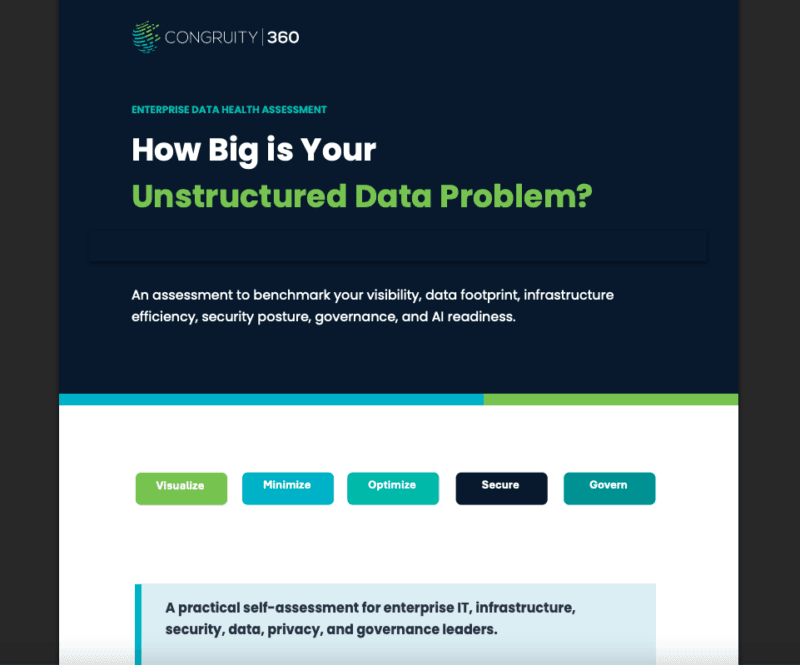
- Require a sensitive-data and ROT assessment of the source estate before tool selection. Tools cannot fix governance gaps; they amplify them.
- Prioritize automation in dependency mapping and validation, not just throughput.
- Confirm the tool’s downtime profile against your cutover tolerance for each workload.
- Verify pricing model (instance-hours, per-user, MAR, credits) against the migration footprint to avoid surprise scaling.
- Plan for a complementary tool where coverage gaps appear; few enterprises run a single migration tool end to end.
How Congruity360 helps before and during cloud migration
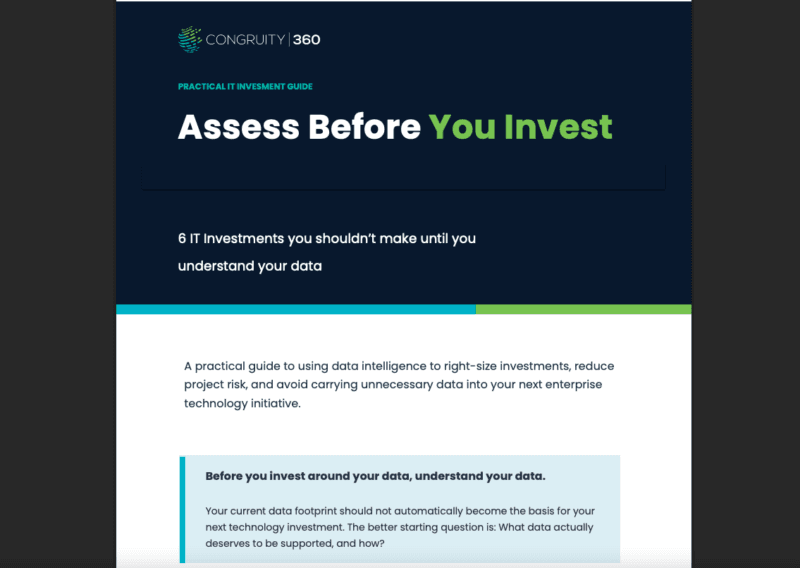
Congruity360 sits upstream of the migration tool. The Classify360 platform inventories the unstructured data estate, classifies sensitive and ROT content, and produces a defensible plan that determines what should move, what should be archived, and what should be defensibly deleted before the migration runs. The result is a smaller, cleaner, governed migration footprint that any of the tools above can execute against with lower risk and lower cost. The cheapest way to migrate data is to not migrate the ROT. [Editor: verify quoted Classify360 capability language against the latest product documentation.] See intelligent data migration software for the migration-side operating model and secure cloud migration services for the storage-optimization side.
Build a safer migration plan with an intelligent cloud migration platform
Enterprise teams that pair governance with migration execution see lower migration cost, smaller post-migration data sprawl, and faster audit closure. Build a safer migration plan with an intelligent cloud migration platform and the team that built it for unstructured-first environments. Talk to us.
Bottom Line
Cloud data migration tools are mature; cloud data migration plans are not. Congruity360 makes the migration footprint smaller, cleaner, and defensible before any tool runs, then keeps the cloud estate governed after the cutover. Book an intro call when you are ready to migrate less data and govern more of it.